


Open the Image thats u want to use to make it BLUR
Second Step :
Press CTRL+J to make a new layer from the image..then GO to FILTER & select BLUR & take A GAUSSIAN BLUR then its will show a GAUSSIAN BLUR BOX

then try to choose how much BLUR do u want..(its easy when u use scroll)
Third Step :
Press CTRL+E(eraser) make the hardness LOW and make sure your Master Diameter Its same as your subject (how big ur subject)

Then SLOWLY use ur eraser to slowly erase at the blur layer..u will fun after know this..
Then u will see ur background is blur ryte..

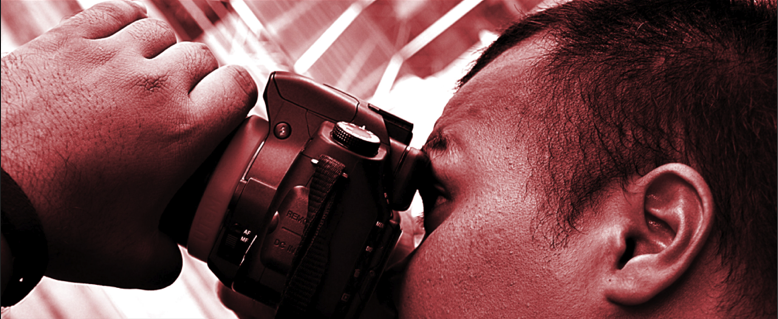
SO THIS IS THE RESULT..ITS SO SIMPLE



No comments:
Post a Comment