

 thats u want to u to make it SHARPE
 then GO to FILTER & select SHARPEN & take a SMART SHARPEN then its will show a SMART SHARPEN B

Then set the AMOUNT at 100%
then play with RADIUS..its important thing thats u must see how much RADIUS u use

SEE THE RESULT..TIPS: COMBINE 2 OF UR PICTURE TO SEE A DIFFERENT
First Step :
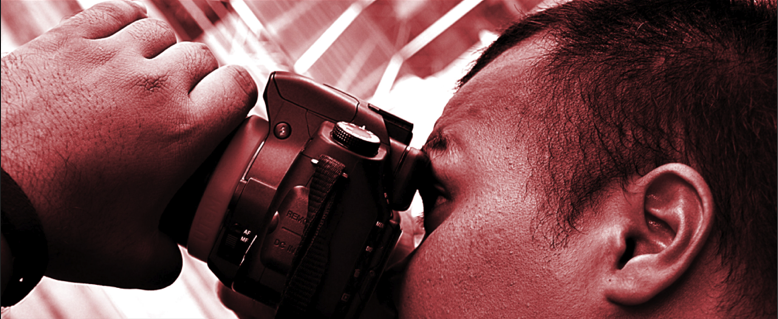
Open the Image thats u want to use to make it BLUR
Second Step :
Press CTRL+J to make a new layer from the image..then GO to FILTER & select BLUR & take A GAUSSIAN BLUR
Open the Image thats u want to use to make it BLUR
Second Step :
Press CTRL+J to make a new layer from the image..then GO to FILTER & select BLUR & take A GAUSSIAN BLUR



No comments:
Post a Comment